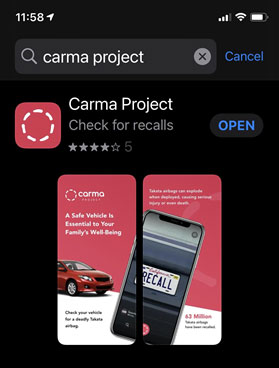
Note: An iOS device is required. We currently do not have an Android app.
Step 1
Register yourself in the MOVE program through the Carma Project app. To find the app,open the Apple app store and search for “Carma Project”.
Step 2
Create a user account in the Carma App, and follow the registration steps until you havesubmitted your mailing address. To be paid for leaving a notice on an affected vehicle, you’ll need to use official branded notices (there is 1 per each auto-manufacturer that we partner with). Carma Project will mail notices to a mailing address that you provide.
Step 3
Wait for your notices to arrive in the mail. Once your notices arrive, you’re all set to start MOVE-ing!